
Lighting, switches and fans
Control supported lighting circuits, switches and fan functions from a shared interface.
Connected environments
Connected control and automation for homes and business environments, built around the space and the devices in it.
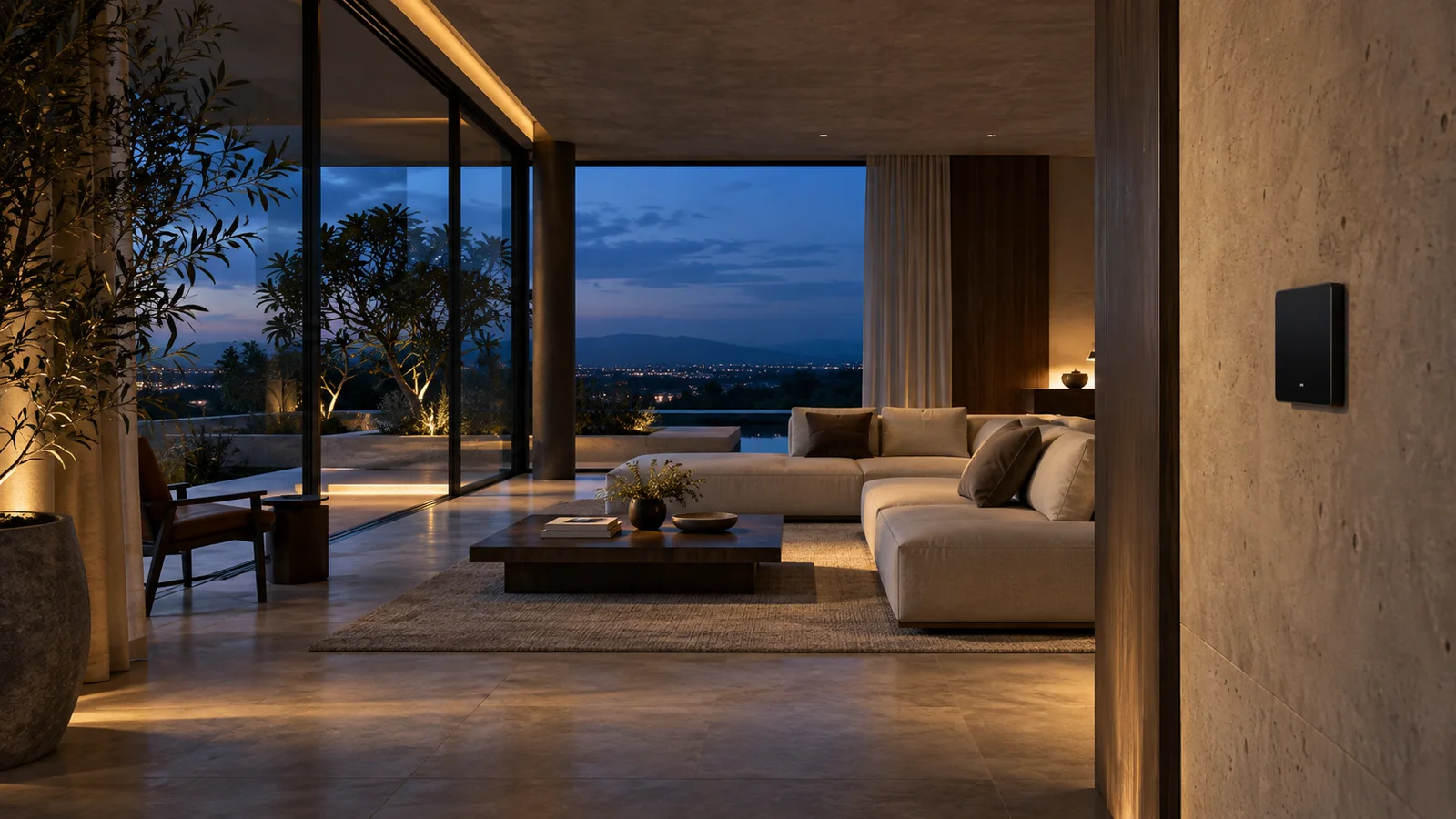
Overview
Bring lighting, fans, curtains, supported devices and environmental settings into controls that make sense for the space. Use individual controls when needed, or group actions into scenes and routines for everyday use.
As a space gains more devices, simple tasks can turn into a collection of switches, remotes and separate apps. Devtric Smart Automation brings supported systems into a coordinated control experience.
Interface preview
Try a morning, evening or away scene. The visual demonstrates coordinated controls; supported devices and behaviour are confirmed for each installation.
Morning scene: curtains open, gentle lighting and everyday controls ready.
Product capabilities
Control supported lighting circuits, switches and fan functions from a shared interface.
Group actions for arrival, work, evening or closing, with routines shaped around the occupants.
Use compatible sensor events and conditions to trigger configured actions.
Integrate supported curtain controls and environmental settings into the routines for each room.
Give authorised users access to the controls and status they need.
Connect compatible equipment, including existing systems where the interfaces allow it.
How it works
Map rooms, circuits, devices and the routines people actually use.
Confirm compatibility and configure controllers, networks and supported equipment.
Set up controls, schedules and sensor-based rules with the intended users.
Test the installed environment, document controls and adjust the routines after review.
Where it fits
Make room controls, lighting and everyday scenes easier to manage.
Coordinate lighting, device controls and opening or closing routines.
Assess the current equipment and add automation where it is practical to integrate.
Deployment
Every space is assessed for device compatibility, wiring, connectivity and the controls it needs. The installation and commissioning scope is agreed after that review.
Security & access
User access and remote controls are configured for the deployment. Manual operation and behaviour during connectivity loss are reviewed as part of commissioning.
A few useful answers
We first review the devices, wiring, network and available interfaces. Compatible equipment can form part of the solution; any replacements or additional controllers are scoped before work begins.
Manual controls and override behaviour are part of the design discussion. The right arrangement depends on the selected devices, system and site requirements.
Local operation, remote access and recovery behaviour depend on the chosen architecture. These are checked during design and commissioning so the expected behaviour is clear.
Request a demo
Tell us about your environment, the workflow you have today and what you want to improve.