
Approved source integration
Connect selected application logs, cloud events and security findings through agreed interfaces.
Custom security workflows
Custom AI-assisted security workflows for applications and cloud systems, shaped around approved data, permissions and review processes.
Overview
Bring selected application logs, security findings and configuration records into a shared workflow. AI can help summarise signals, group related issues and prepare context for the people responsible for investigating and resolving them.
Security information often arrives through separate logs, scanners and cloud tools. Teams need enough context to decide what needs attention and a clear way to track the work through review and resolution.
Interface preview
Filter an illustrative feed of sign-in activity, permission changes and system alerts. Each deployment is configured around the applications, approved event sources and the people responsible for reviewing them.
Example events show how authentication, permission changes and system alerts can feed a shared review workflow.
Showing all illustrative system events.
Product capabilities
Connect selected application logs, cloud events and security findings through agreed interfaces.
Summarise related signals and prepare context for review, with source records available for checking.
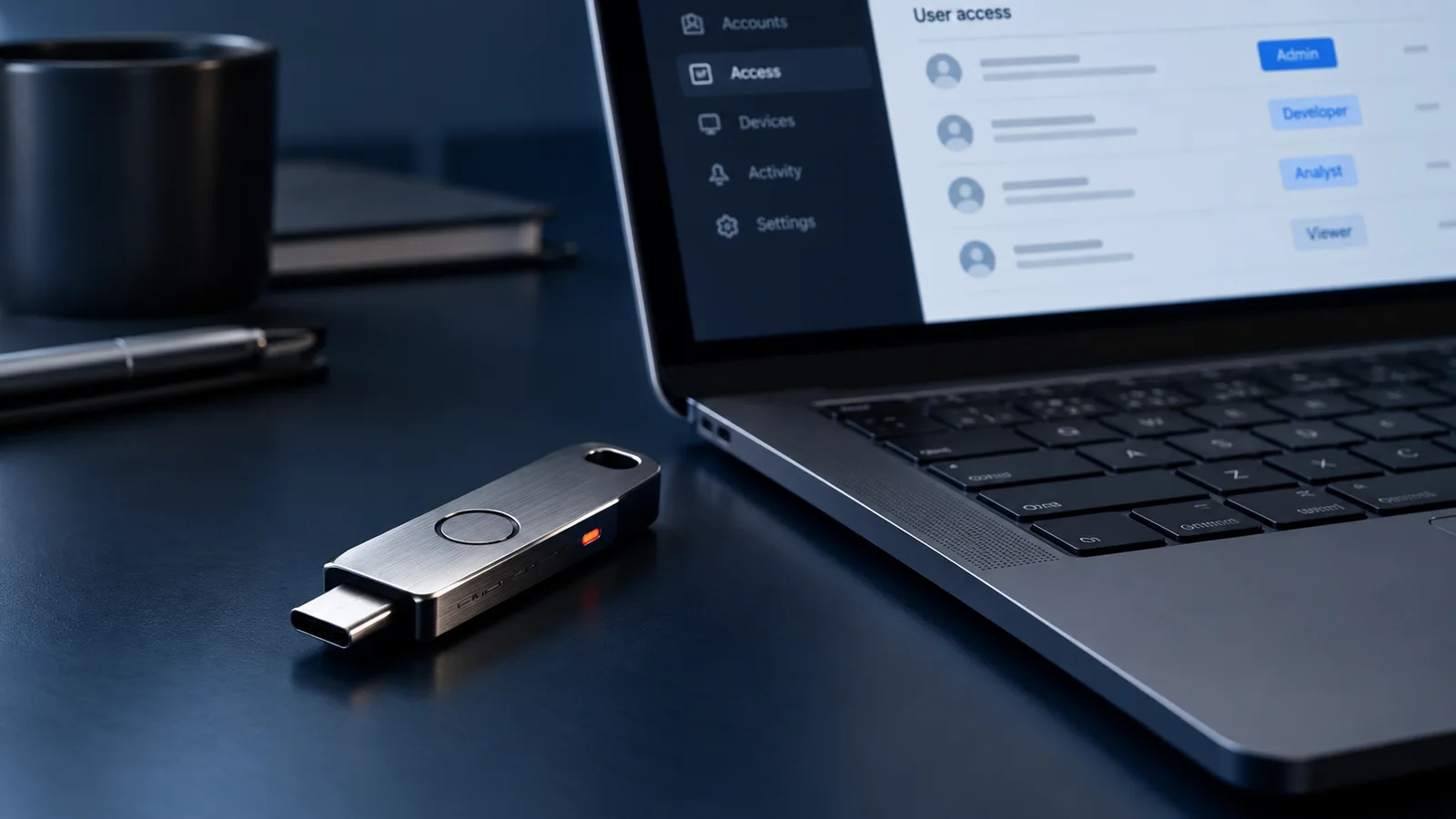
Control who can see findings, administer the workflow and approve actions.
Record reviews, decisions and workflow changes so the team can follow what happened.
Assign findings to the responsible people and connect approved ticket or notification tools.
Track agreed fixes through implementation, verification and closure.
How it works
Agree the systems, signal sources, review responsibilities and permitted actions.
Configure source integrations, permissions, retention and the records available to AI assistance.
Check summaries and triage suggestions against representative records with the responsible team.
Introduce the agreed workflow with human approval for actions and a record of decisions.
Where it fits
Organise selected application events and findings for the people maintaining the software.
Bring configuration findings, ownership and agreed remediation tasks into a shared view.
Connect approved logs, scanners and issue trackers where their interfaces support the requirement.
Deployment
This is a custom-built workflow, scoped around the systems, available integrations and security requirements of each organisation. Features and operating responsibilities are agreed before development; the preview uses sample software events.
Security & access
Source permissions, retention, model-data handling and audit requirements are agreed during design. AI output assists the responsible team; changes and remediation actions remain subject to authorised human approval.
A few useful answers
We review the application interfaces, identity provider and available audit logs. The integration scope depends on supported event sources, access permissions and the workflow the team needs.
AI can assist with grouping events, identifying patterns and presenting context for review. The configured workflow defines what needs a person’s decision and how any response is approved.
The system owners agree event sources, user roles, alert routing, retention and review responsibilities during deployment planning. The resulting controls and workflows are tested against those requirements.
Request a demo
Tell us about your environment, the workflow you have today and what you want to improve.